

Regular readers know my problem: I can't leave a box manually configured. The Raspberry tank, the docker-on-a-Pi setup, the Minecraft server for my kids — the hobby was never the tank or the game. It was making the whole thing reproducible and mine, not rented from someone's cloud.
Home Assistant is the same itch at garden scale. Lights, heating, a solar battery, and — I'm not joking — the tortoises, all running locally on hardware I own, phoning home to nobody. This isn't a step-by-step; it's the decisions that actually shape a setup like this, and the interesting stuff I'd want someone to tell me before they started.
Own it, don't rent it
The whole thing rests on one choice: local control. No device I add is allowed to depend on a manufacturer's server to do its basic job. A light switch that needs the internet to turn on a lamp isn't smart, it's a liability — it dies when your Wi-Fi hiccups, when the vendor sunsets the product, or when they decide your data is the product.
So every light also has a physical remote that works even with the tablet asleep and the internet down — the automation is a convenience layered on top, never the only way in. Day to day the house is run from a kitchen tablet in kiosk mode, or any browser on the network. The payoff isn't ideology, it's boredom: the house keeps working whether or not the internet does — and, because the whole thing rides on the Buletti solar battery (more on that below), whether or not the grid does either. Independent of the cloud and the mains.
The stack, and why each layer
| Layer | What runs there |
|---|---|
| Host | Home Assistant OS on a Raspberry Pi + 500 GB SSD (HA 2026.5) |
| Zigbee | Sonoff CC2652P coordinator → Zigbee2MQTT add-on |
| Bus | local Mosquitto MQTT broker |
| Scale | ~42 devices · 250+ entities |
| Energy | Buletti Apex 300 + ~1.3 kW of solar |
| Access | Tailscale only · key-based SSH · automated setup + backup/restore |
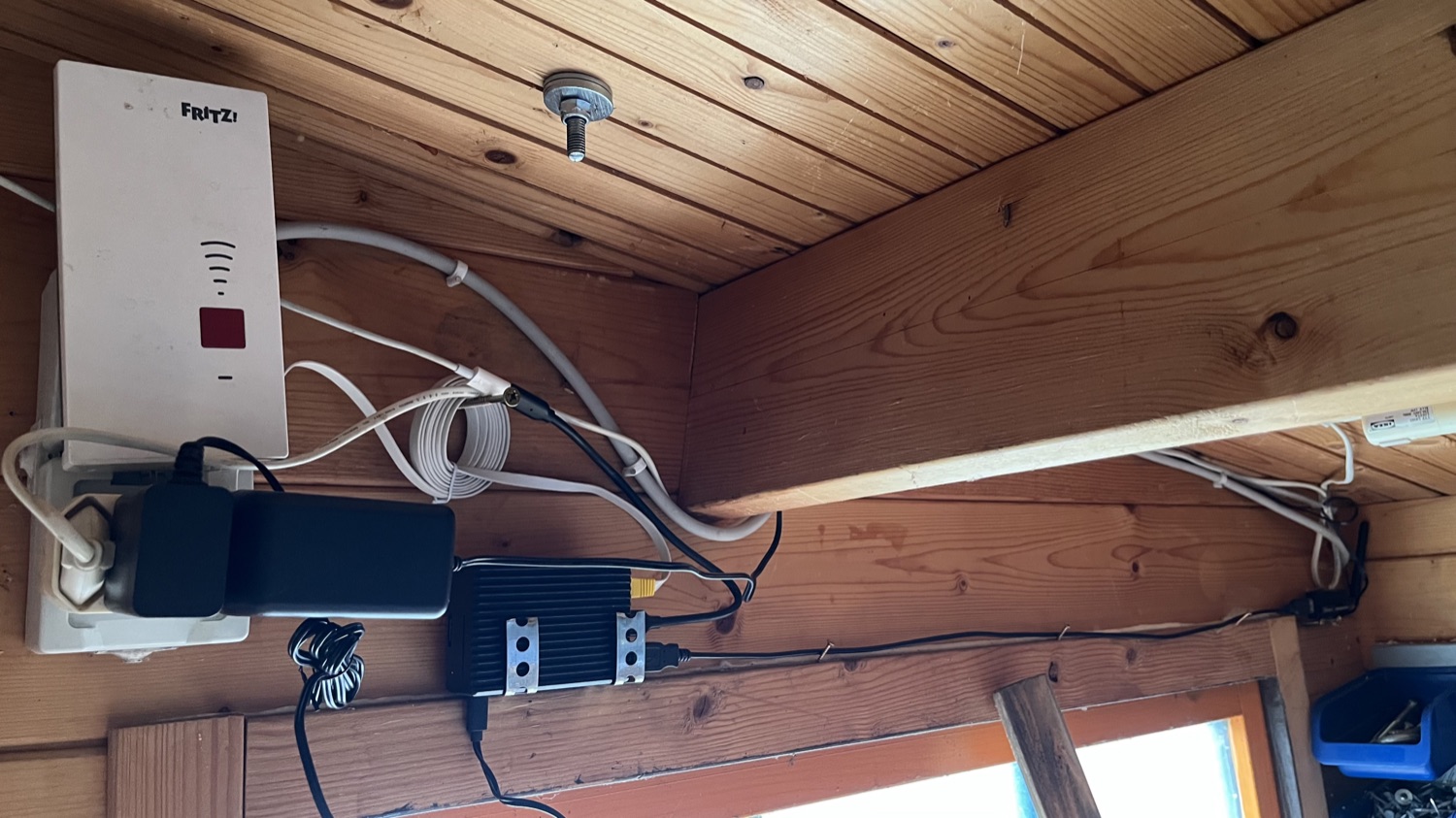
The Pi runs Home Assistant OS as an appliance — add-ons install in a click, updates don't turn into a dependency dig. And the Sonoff coordinator plus Zigbee2MQTT keeps me vendor-neutral: I buy whatever switch or off-brand sensor is cheapest and it all speaks one protocol, no hub tax, no walled garden. At around 42 devices and 250+ entities this stopped being a toy a while ago — and that boring foundation, screwed to a shed beam next to the Wi-Fi repeater, is exactly why it holds.
And it's run the way anyone in IT would want their own home run: nothing exposed to the public internet, all remote access over a Tailscale mesh; SSH key-based only, no passwords; the server itself provisioned by an automated setup rather than hand-tweaked, and backup and restore both scripted and tested — because a backup you've never restored is just a hope. The same discipline I put into the kids' Minecraft server, turned on the house.
Automations that scale
The difference between a demo and a setup you live with is whether adding the tenth device is as easy as the first. Three habits do most of that work.
Blueprints, not one-off automations. Every light runs the same blueprint pointed at a different fixture — add a lamp, pick the blueprint, done, and one fix fixes them all at once.
Trigger off the source, not an abstraction. The tempting way to wire a switch is Home Assistant's device picker; the robust way is to subscribe straight to the message the switch already publishes:
trigger:
  - platform: mqtt
    topic: "zigbee2mqtt/Schalter LED Pavillon/action"
No device registry in the middle to resolve wrong and silently break the automation. It's a plain text field instead of a dropdown — fiddlier to set up, far harder to break, the right trade for something I want to forget about for years.
One source of truth. Anything with a manual override is controlled through a single input_boolean, never the switch directly — so a human flick and an automation reacting can't fight over the same relay.
Even the tortoises are on it
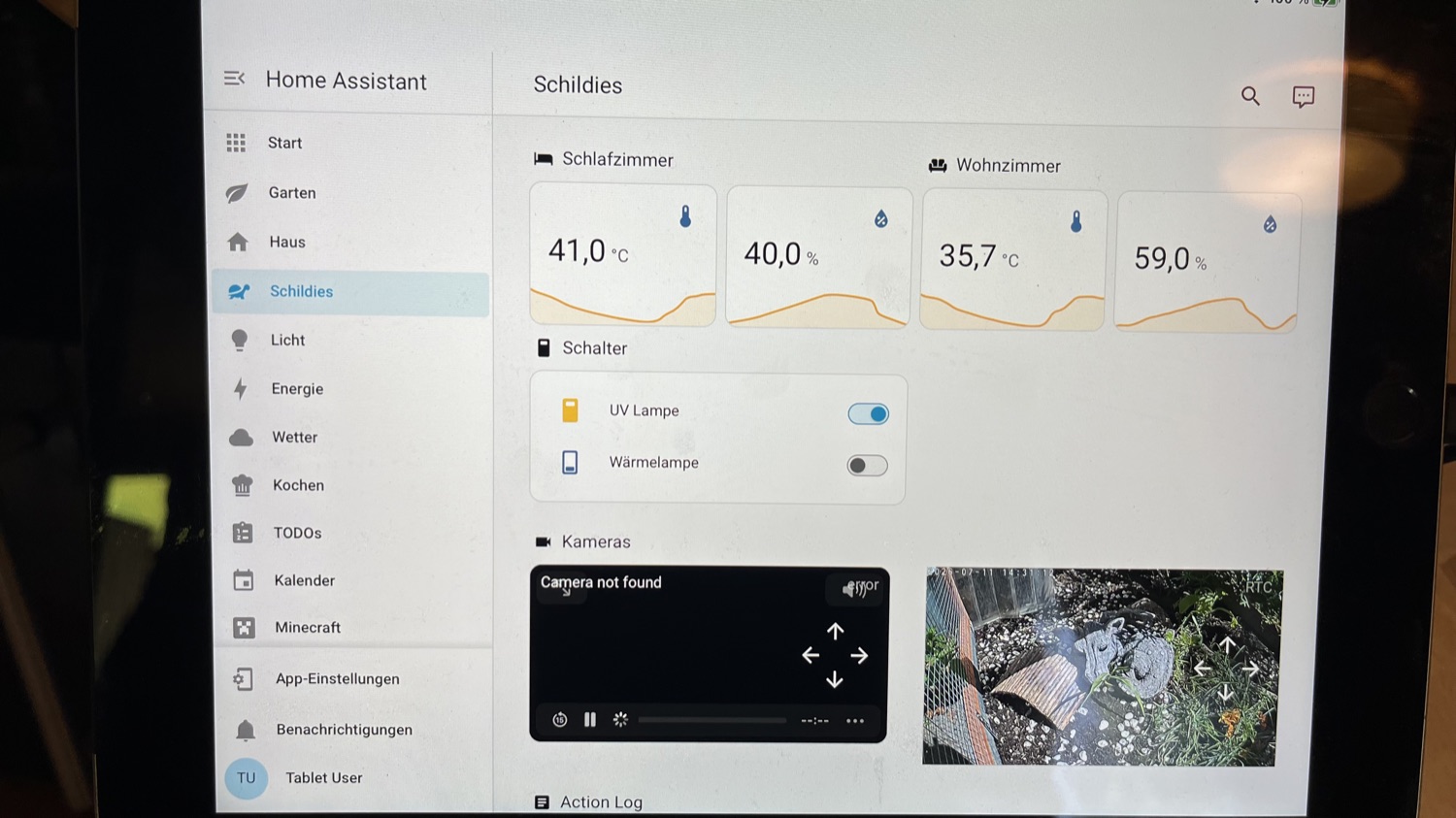
The clearest proof that "garden scale" isn't a figure of speech: the tortoise habitat runs itself. A heat lamp from 07:00 to 23:00, backing off automatically above 35 °C; a UV lamp from morning until 18:00, off above 38 °C; and an email straight to me the moment the enclosure passes 48 °C. Live temperature, humidity and a camera, all on their own dashboard. The turtles have better climate telemetry than most offices.
But the one thing I don't trust to software is the one that matters most. Their sleeping house has a single hardwired thermostatic circuit — no Zigbee, no Home Assistant, nothing that can drop offline — that kicks in a heater if the temperature falls toward 10 °C overnight. If the Pi, the network and every automation vanished at once, the tortoises would still be warm by morning. The smart layer is for comfort and alerts; the dumb layer keeps them alive.
Sun, battery, and a house that rides through blackouts
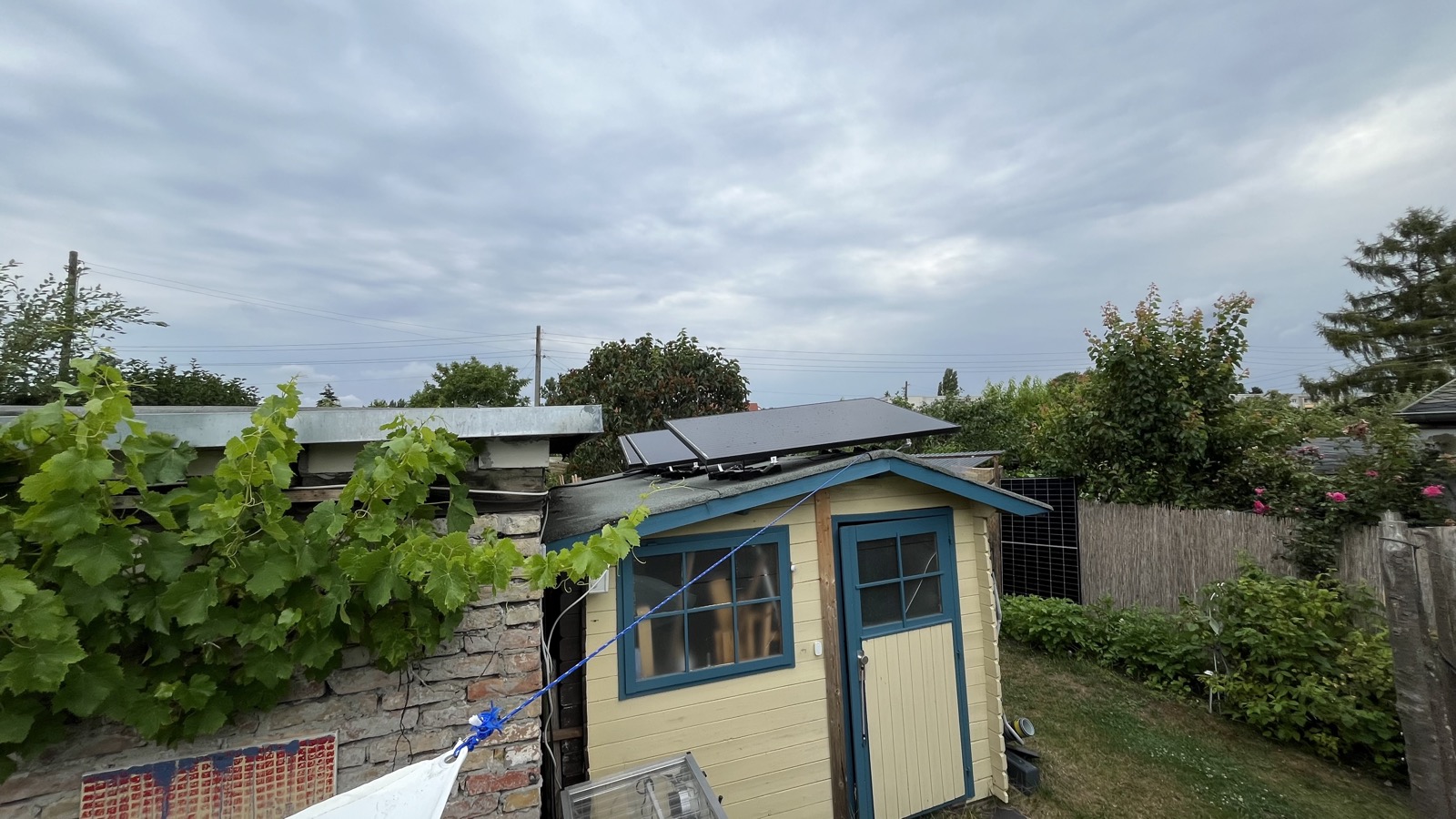
Panels on the shed roof feed a Buletti Apex 300 — a 2,764.8 Wh battery with two solar inputs, and the quiet backbone of the whole setup. The solar build has enough quirks to earn its own writeup; what matters here is what Home Assistant does with the result.
The Buletti is a whole-home UPS. On a power cut it takes over instantly and seamlessly. The house is wired to the Buletti, so in a blackout the things that matter — Wi-Fi, the Home Assistant Pi, the fridge, and the heat pump — all keep running on stored sun.
Home Assistant watches the whole loop — it emails me if the grid drops (AC input under 10 V for 30 seconds) or the battery dips below 18% — and surfaces everything on the kitchen tablet: room temperatures and humidity, the heating, and the heat pump, all one tap away.
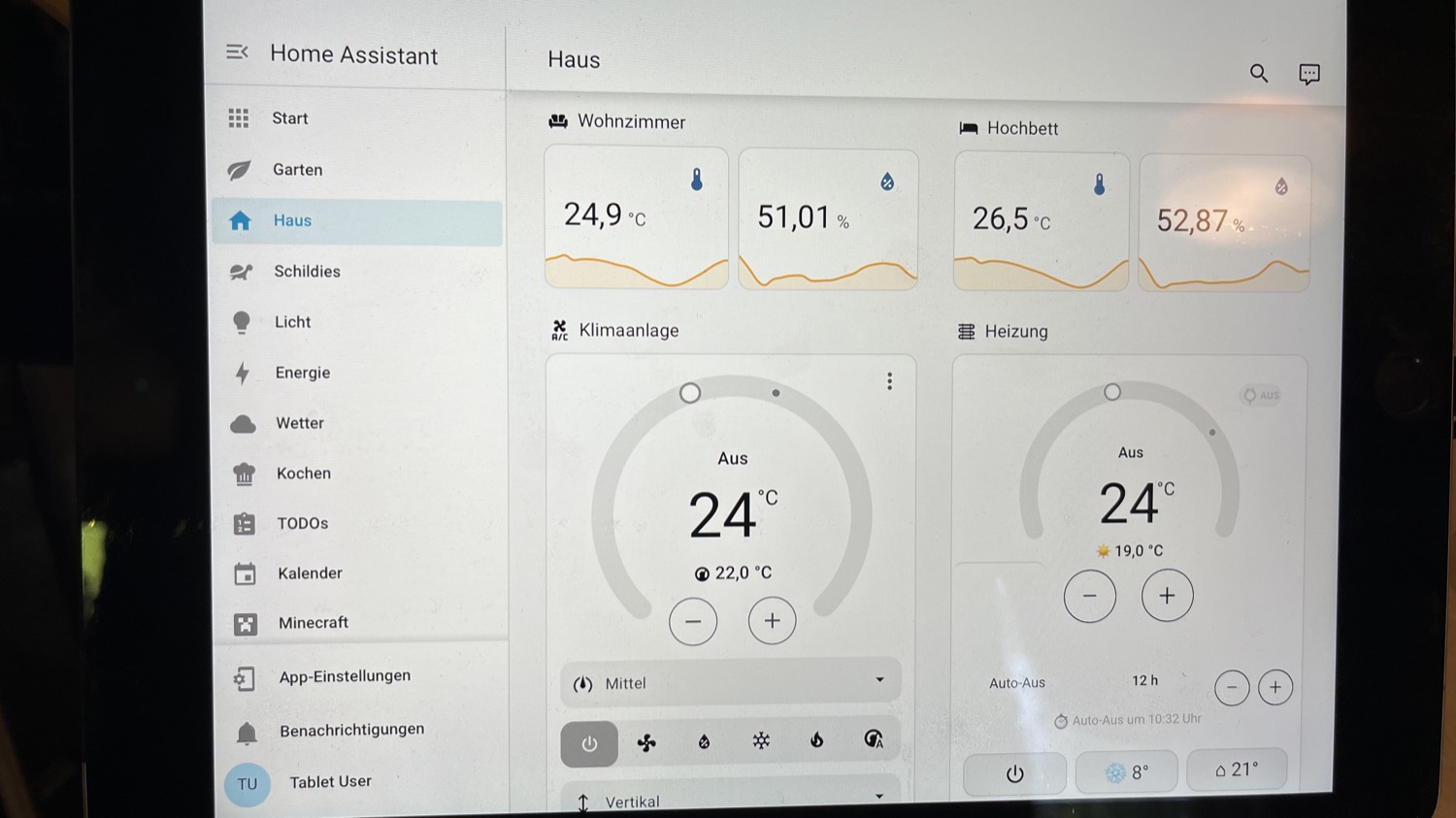
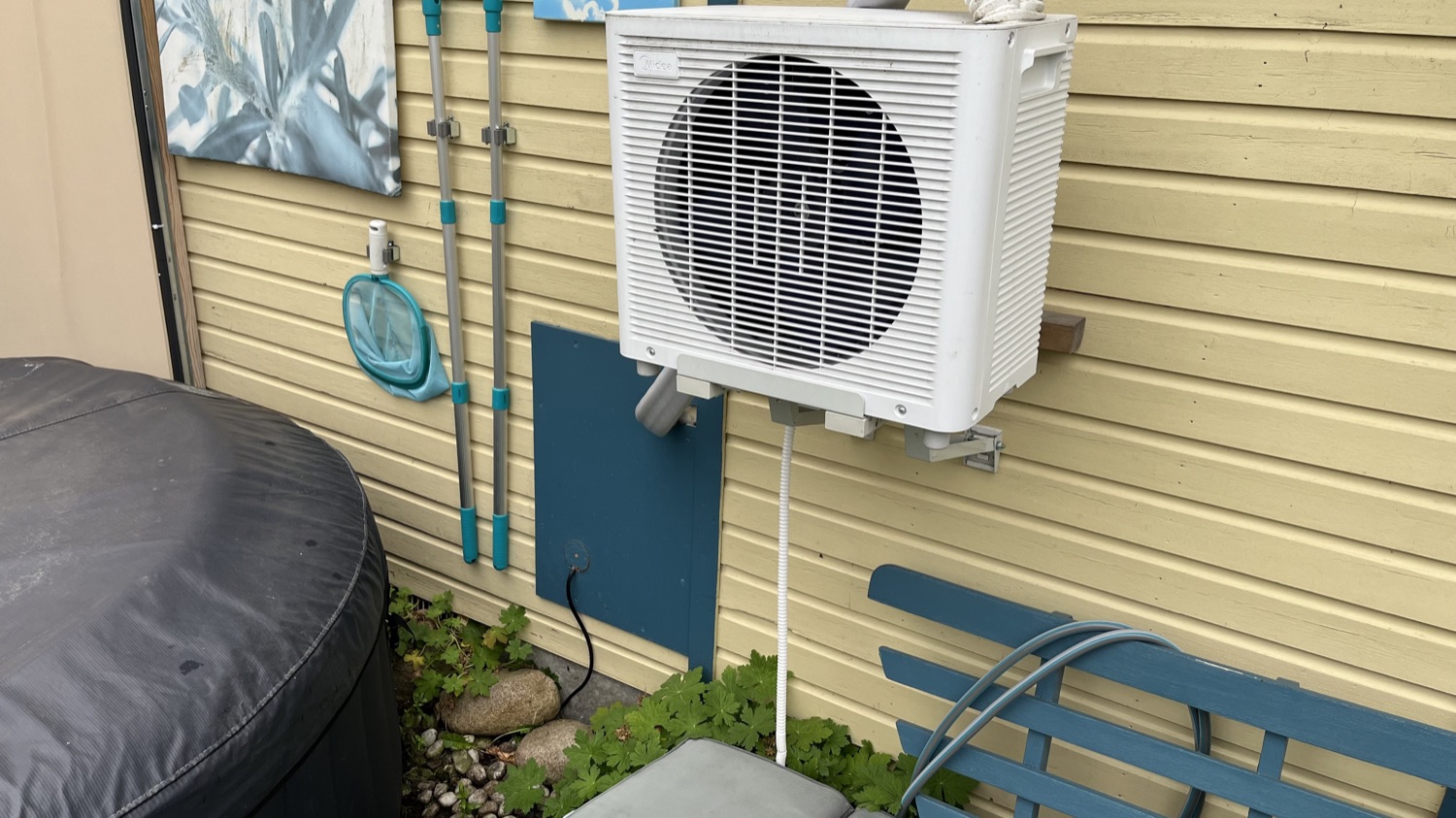
The heat pump on that Haus outlet is a Midea Porta Split — up to 3.5 kW, heats and cools, and keeps the room livable through an outage on nothing but battery.
Heating like an engineer
For the smaller garden-room heater — a smart plug and a separate sensor — the control loop uses a deadband, the single most useful idea to steal for anything that switches a relay.

Boring on purpose
HA writes to its database constantly, and that steady load is exactly what quietly kills the SD cards a Pi usually boots from — so this one runs off a 500 GB SSD instead, which shrugs off the write churn and leaves room to spare. Belt and braces, backups run on top: automatic, local every day plus Google Drive on daily, weekly and monthly rotations. The day I need one, I want it to have been boring for months.
The through-line
Strip away the panels and the tortoises and it's the same shape I've been building for a decade: a system I fully own, on hardware in my own house, reproducible from notes rather than memory — and stubborn enough to keep the lights, the fridge and the heat pump running through a blackout with the internet down. The solar readout is nice. Not needing anyone's cloud, or even the grid, to run my own home is the actual feature.
Open source for ever and everyone.